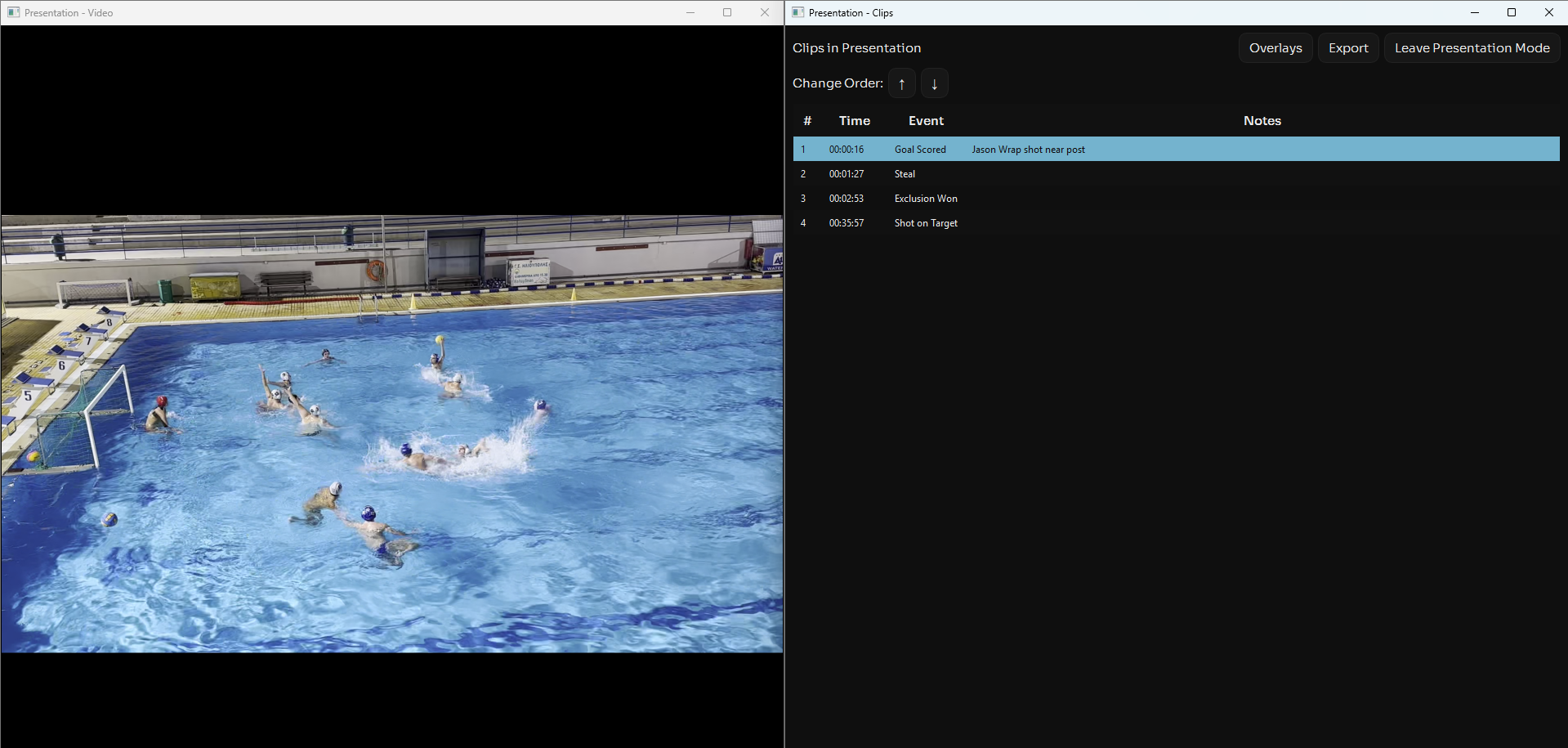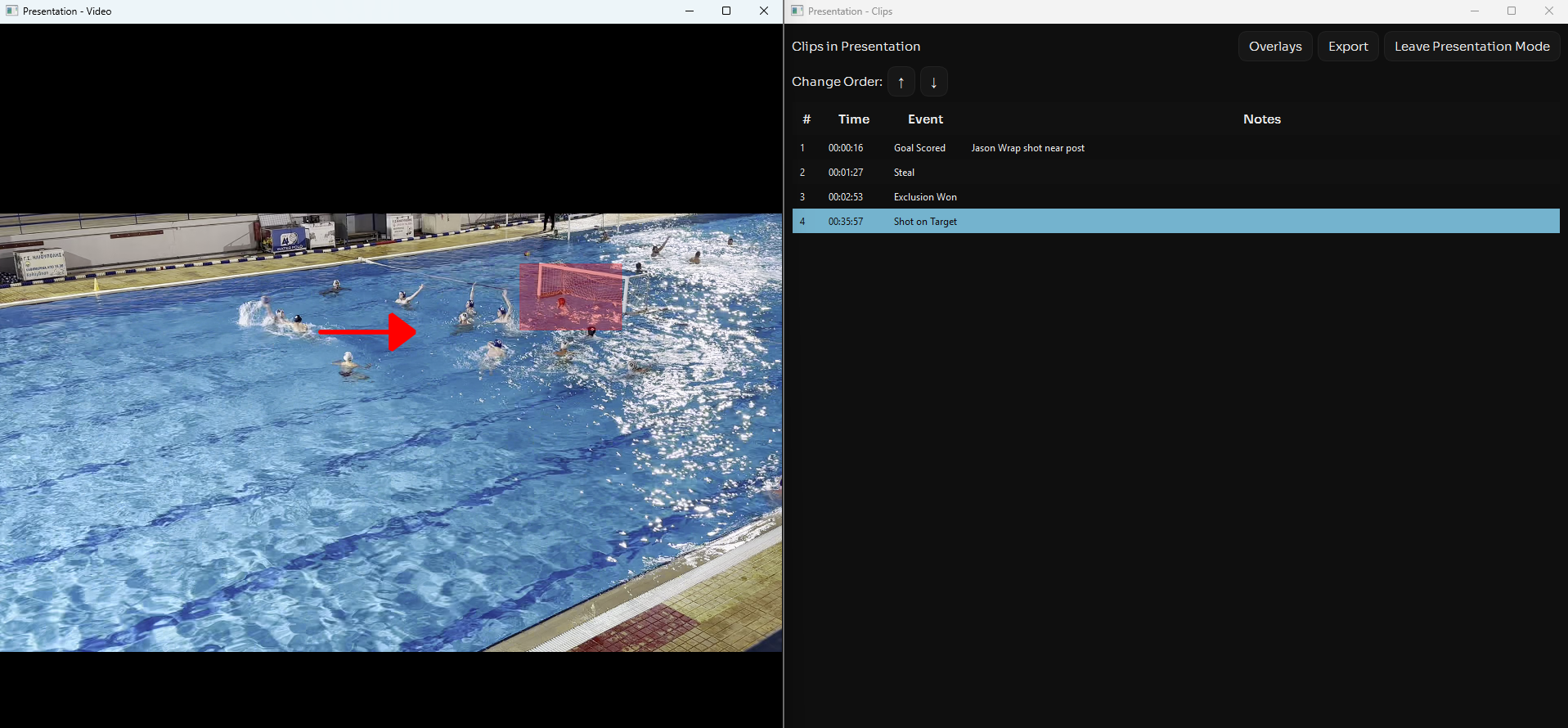
Presentation Mode transforms Aqualytix into a powerful coaching tool for team meetings and training sessions. Display your analysis on a big screen with clarity and professionalism.
Designed for Big Screens
Use your control panel on one screen and present video feedback to your team on another.
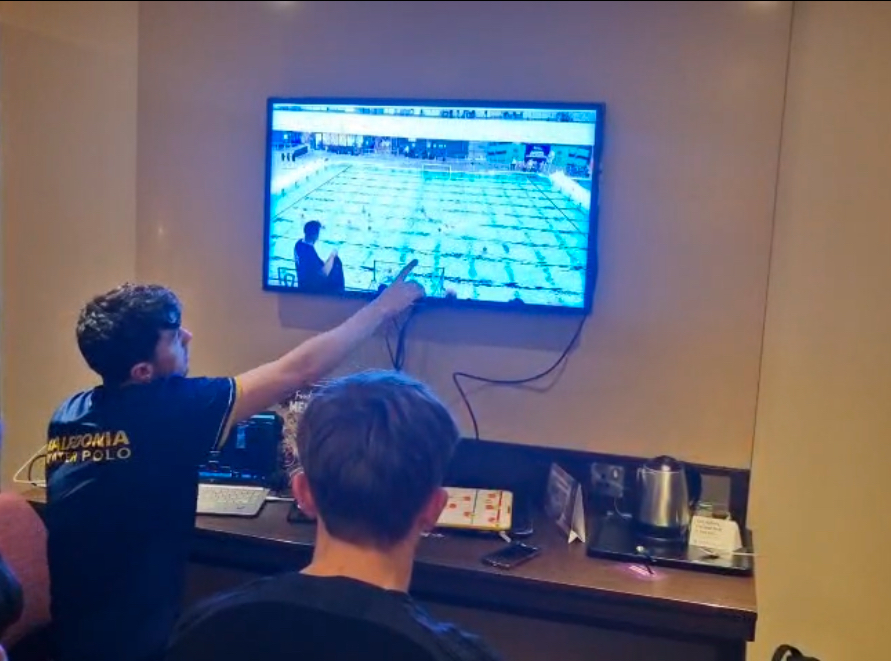
Presentation Mode Features
- Create presentations of clips from one or multiple games
- Add overlay graphics to clips
- Rearrange the order of your selected clips
- Export clips with overlay graphics added
Creating A Presentation
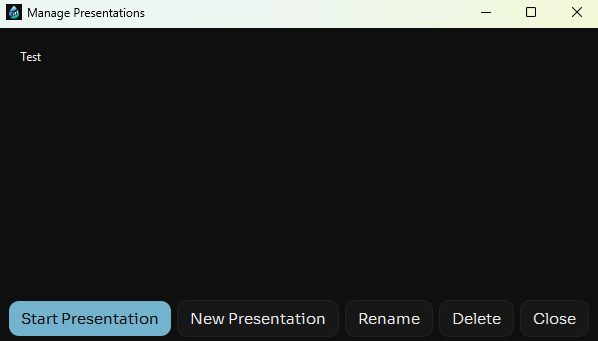
First select "Presentations" on the main UI
Then Create a new presentation.
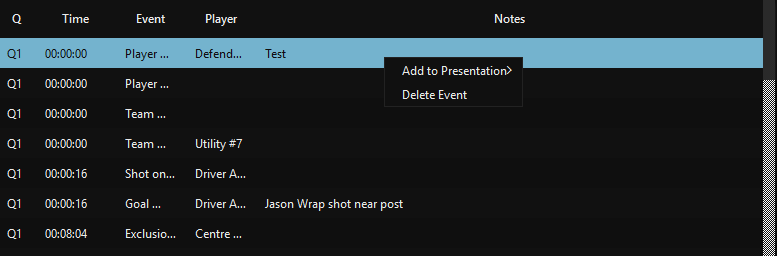
After analysing the game right click the events you want to add to the presentation.
Manage and Present
To view and manage your presentations select "Presentations" on the main UI, then clip on the presentation you want and click "Start Presentation"
When you open the presentation you will be presented with 2 windows, from here you can rearrange the order of your clips, add overlay graphics to clips