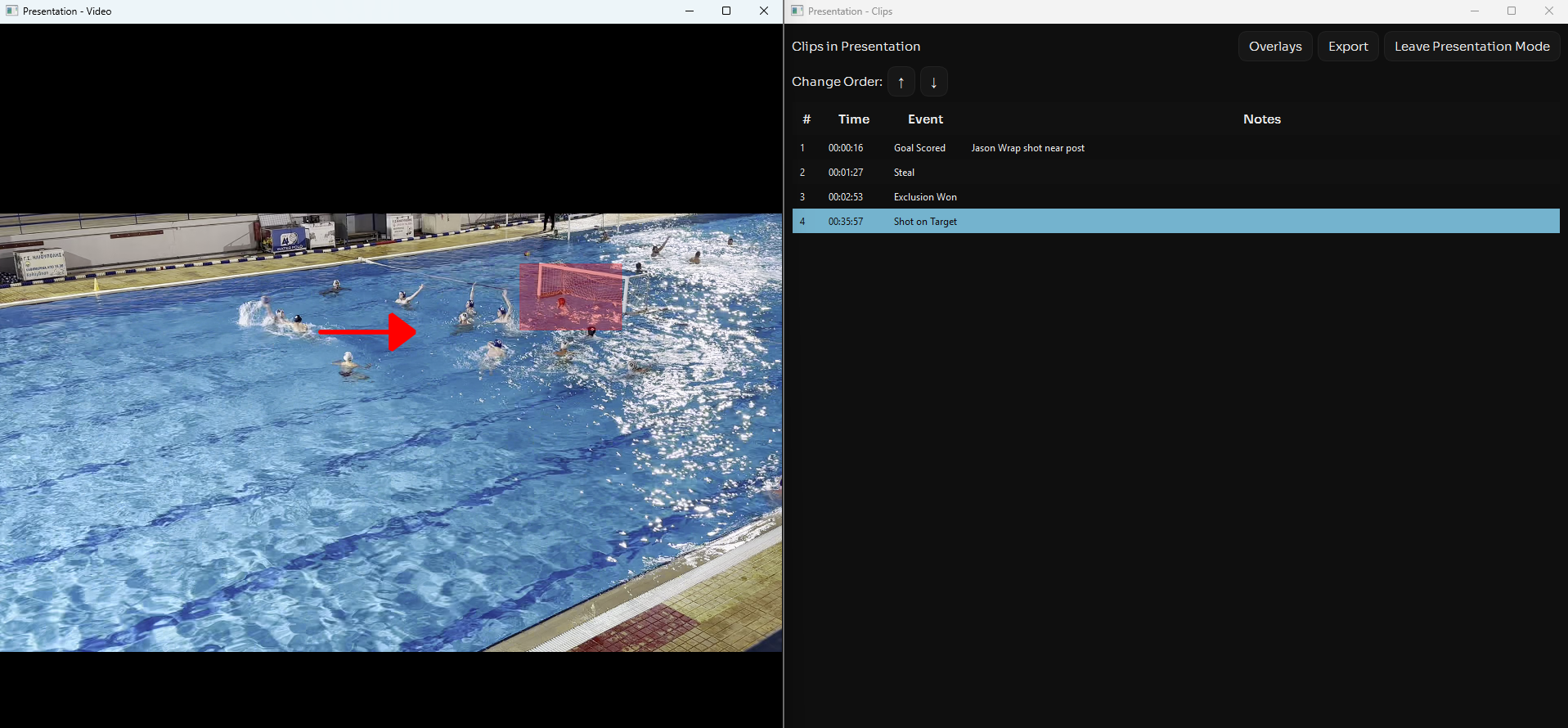
Video overlays are a powerful way to add context and emphasis to your analysis. Whether you want to highlight a player's positioning, draw attention to a tactical movement, or add text annotations for clarity, overlays help your team understand exactly what you're demonstrating.
Text Overlays
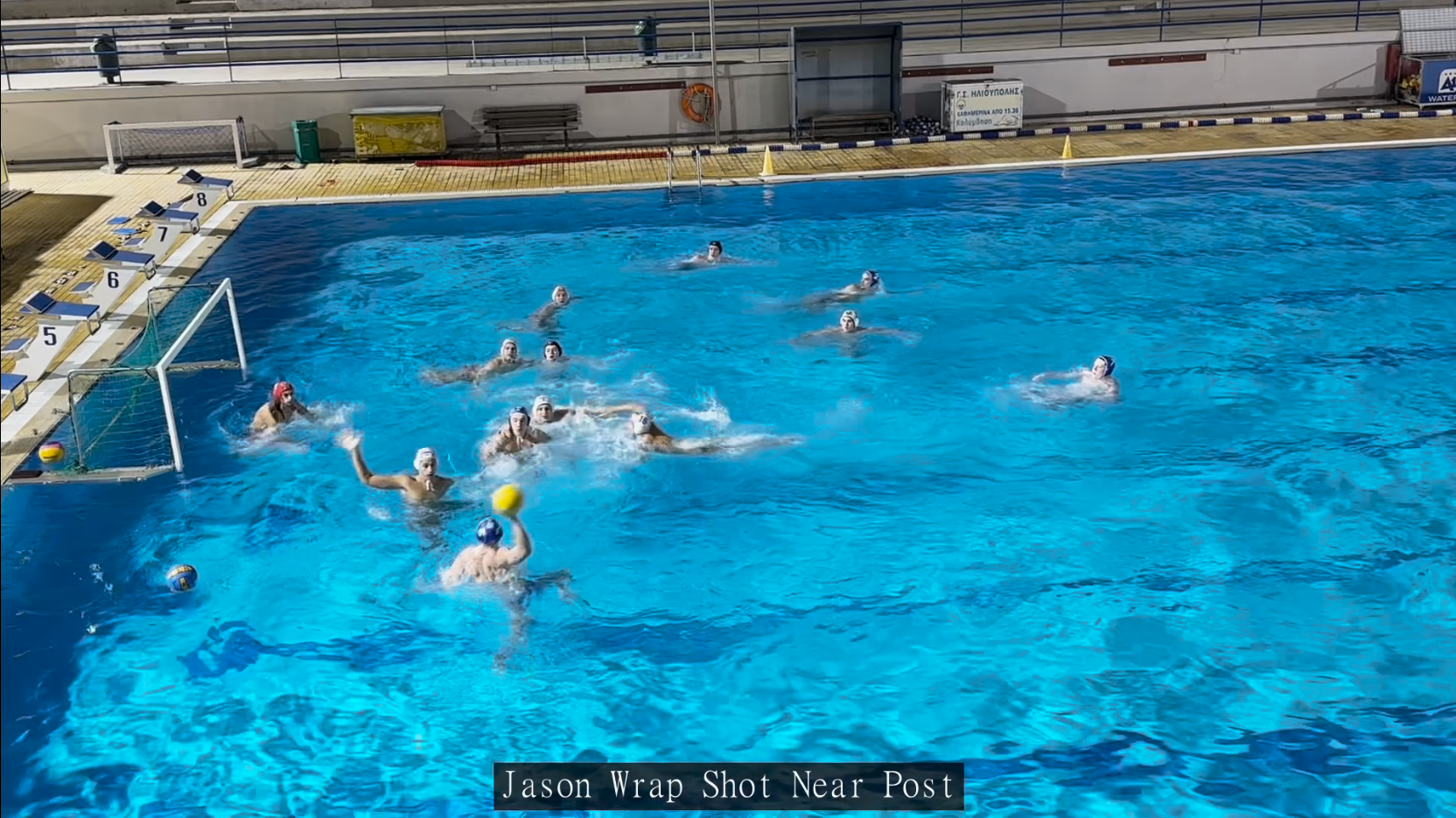
Text overlays are added via the notes column and will appear at the bottom of exported clips (if text overlay is selected during export).
Drawing Tools
Use drawing tools to illustrate movement patterns, mark defensive gaps, or highlight offensive positioning. Draw arrows, circles, and highlights directly on the video to make your points crystal clear.
Drawing UI
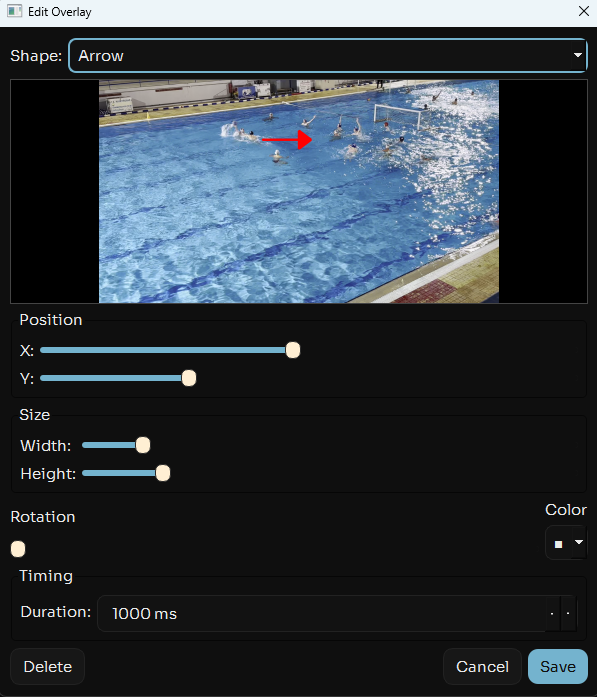
Select the video you want to add overlays to and pause at the moment you would like the graphic overlay to start. Then press "Overlays" followed by "Add".
You will be presented with the following UI that lets you adjust your overlay size, shape, colour, positions and duration. Just add the desired overlay then hit save.
How To Use
- Create your presentation and add the clips you want to annotate
- Select the clip and pause it at the time you want the overlay to begin
- Click "Overlays" then "Add"
- Select the overlay settings you want, previewing how it looks
- Hit save and your overlay will be added to the video
- Present the videos to your team or save the clip with text overlayed as well to send to your players
Video overlays transform your analysis from simple observation into powerful, visual coaching feedback that players can easily understand and apply to their game.