Event tagging is at the heart of Aqualytix's analysis capabilities. Our intuitive tagging system allows you to capture every meaningful moment in a match, giving you the data you need to make informed coaching decisions.
How To Use
Firstly select your roster from the dropdown menu in the top right of the screen
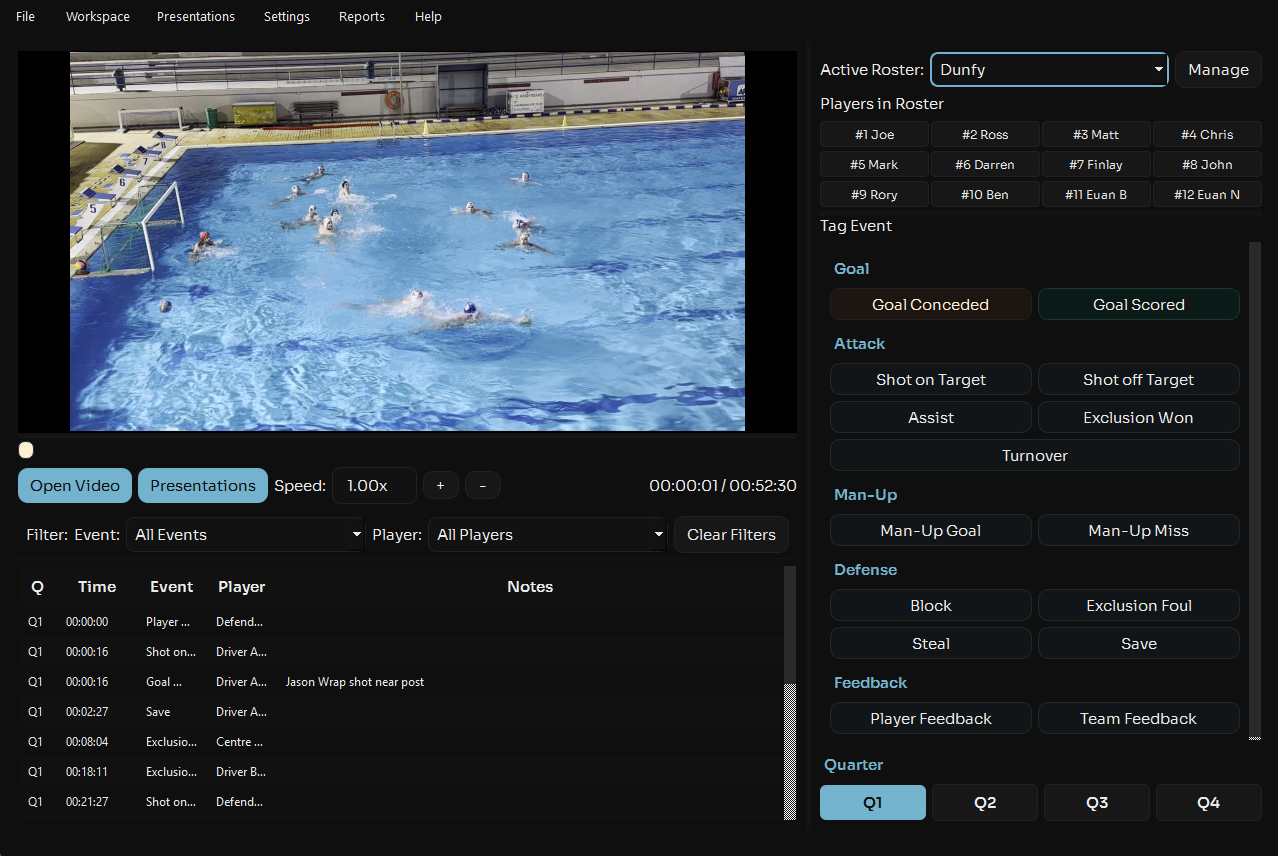
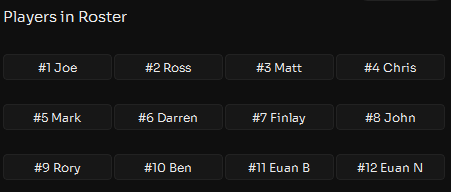
Next select the player who performed the event (if the event is a goal conceeded mark this against the goalkeeper).
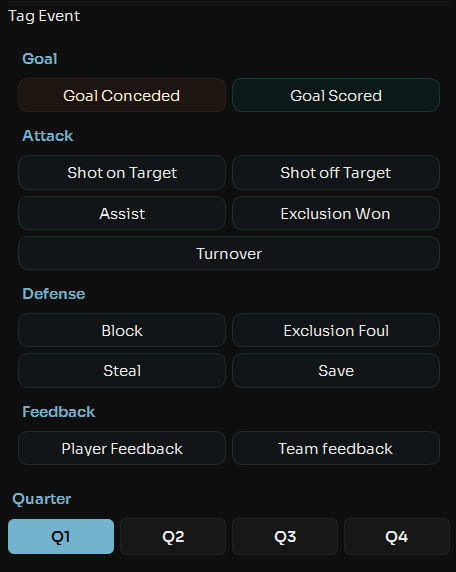
Finally, select the event this player performed from the event options. Make sure the correct quarter is selected.
This will add the event to the table at the bottom.
- Allowing you to filter and rewatch the clipboard
- Include the event in final game stats
- Allow you to export the clip with overlayed feedback