Effective game review is about more than just watching footage. In this guirde, we walk through the optimal workflow to maximise player development and team improvement.
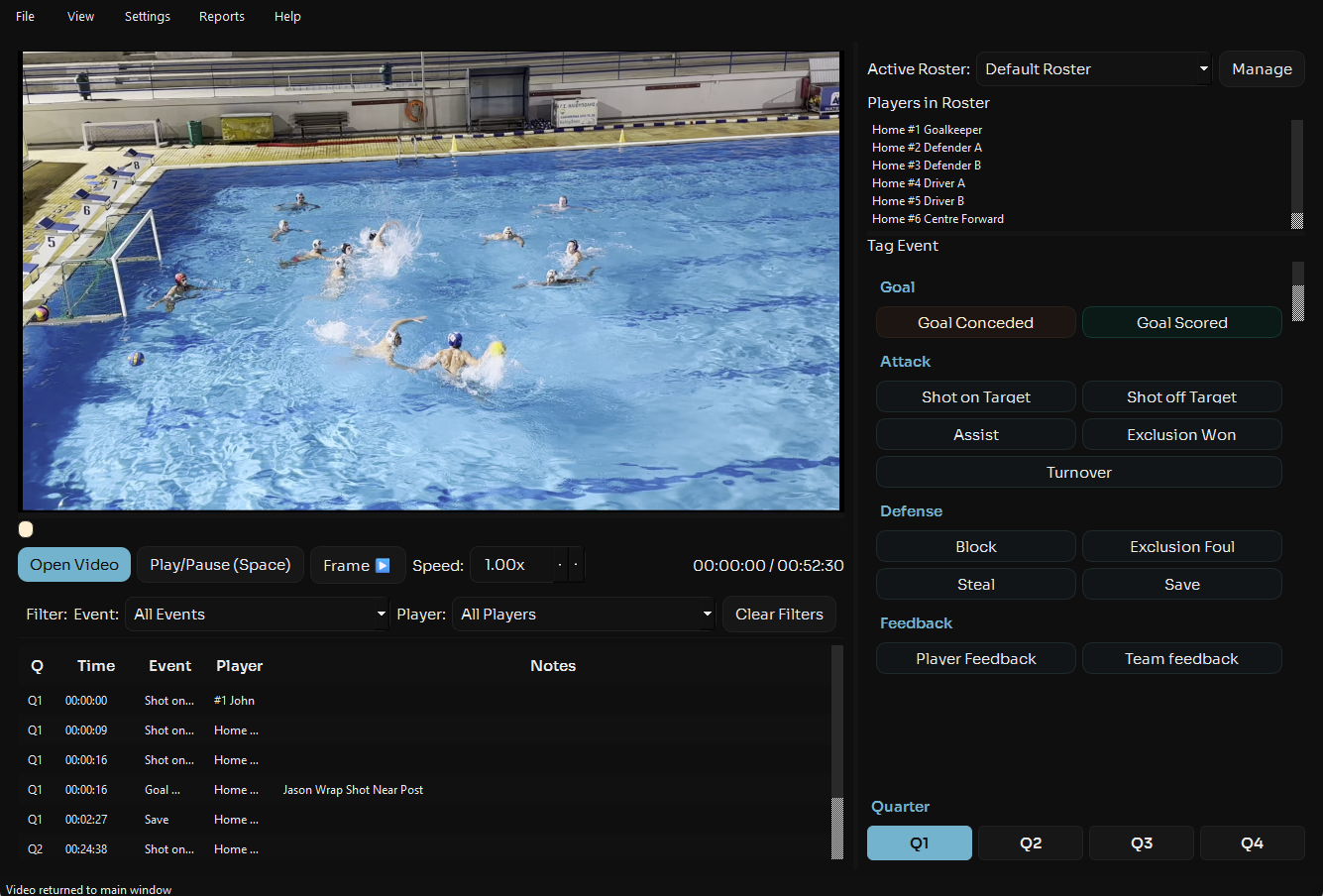
Start opening your match footage in Aqualytix. Select the correct roster (or create it if it doesn't exist) and create a new presentation that you will add clips to later in the process.
On your first viewing, focus primarily on event tagging. Don't try to analyse in-depth, just tag. Mark shots, exclusions, turnovers etc. Add a few short notes beside key events you think you are liekly to analyse in more detail later. Use Aqualytix's quick-tap interface to maintain pace. This builds your statistical foundation for deeper analysis.
After tagging, view and save your player and match performance reports to identify patterns. Perhaps your centre-back is being excluded too often, or your man-up conversion rate needs attention. Select 3-5 key clips that illustrate these themes for team review.
Write feedback in the notes column of clips you want to present or share, add your clips to the presentation you made earlier and open the presentations. Rearrange your clips in the order you want to present them and add any necessary overlays (arrows, highlights etc.).Draw attention to positioning, movement patterns, or decision-making points. Aqualytix lets you overlay text and visual cues directly on the video.
Use Presentation Mode to walk through clips with your team. Easily control the clips on one screen whilst displaying the video on another allowing your players to focus on what matters. Encourage questions and discussion, video review is a learning opportunity, not a lecture.
For players who need extra attention, use Aqualytix to create individual performance clips and provide feedback. Present this to them one to one or export the clips and share with them via Whatsapp, Youtube or any other platform of your choosing. This personal approach shows investment in each athlete's development.
Ready to streamline your game review process? Start a free trial and put this workflow into practice.
Start Free Trial