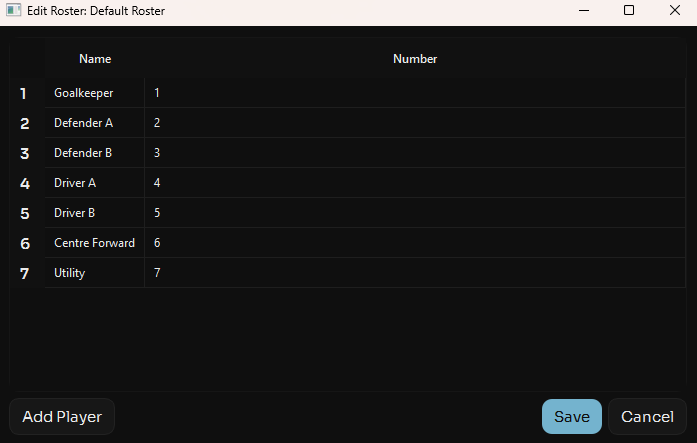
How To Use
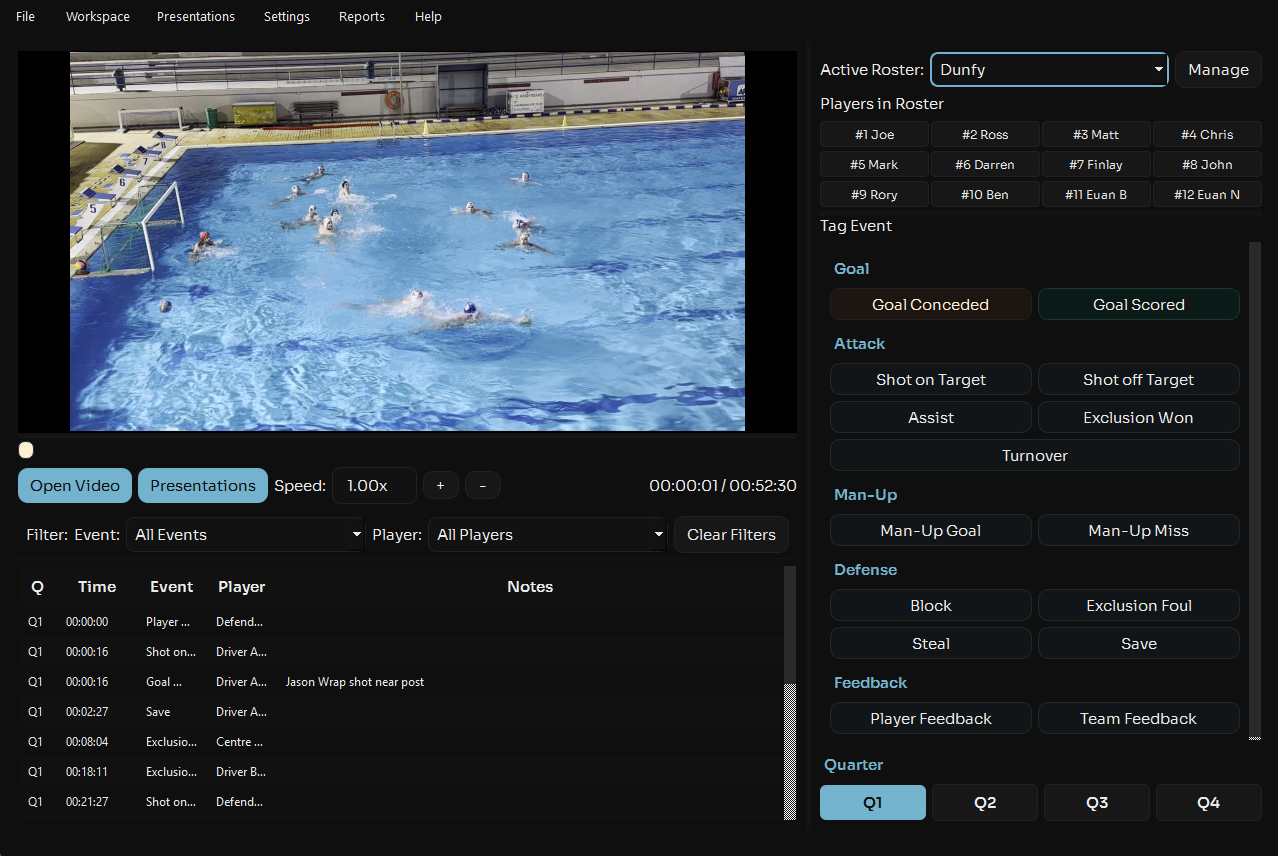
Find the Roster management section located in the top right, there you will have:
- Players in your current selected roster
- Roster Selection Dropdown
- Manage Roster Button
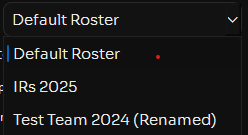
Roster Selection
If you have multiple rosters added by clicking the dropdown you can select which roster you are using for this game.
Manage Rosters
If you want to add, delete or edit a roster hit the Manage button which will open the Roster Management menu.
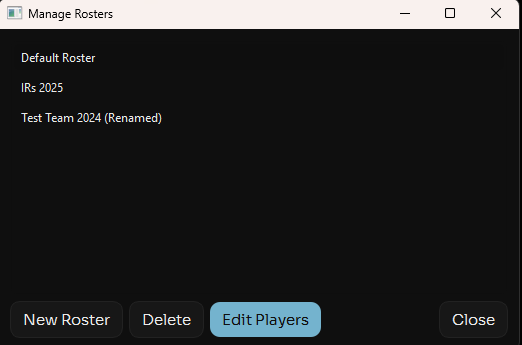
To create a new roster simply hit "New Roster" to Edit or Delete a roster Click on the Roster you want to interact with and then select the action you want to take
If you choose to add or edit a roster you will be presented with a menu that looks like this, here you can double click on a player or number to edit or add a new player.